How to add a CAA record on Network Solutions
Step-by-step instructions for adding a CAA record on Network Solutions
Adding a DNS CAA record to your website is a good way to guard against certificates being issued by mistake, because it restricts which certificate authorities may and may not issue SSL certificates for your domain. It is not mandatory, but we suggest setting one up.
Here is how to add a CAA record on Network Solutions.
How to add a CAA record on Network Solutions
- Select My Domain Names: you will find this in Account Manager.
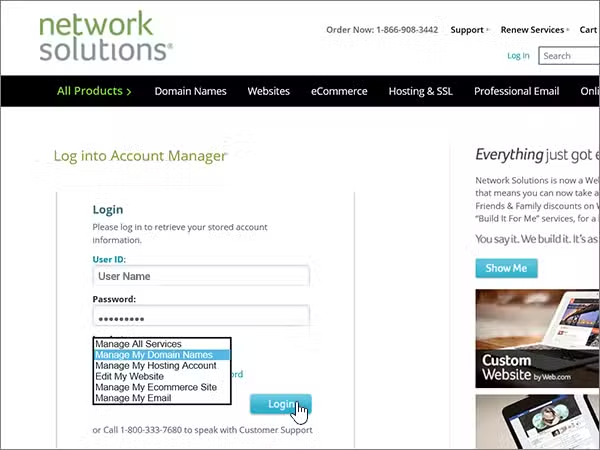
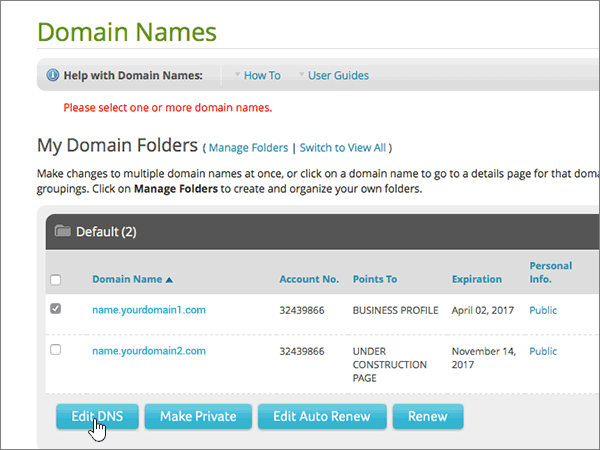
- Manage your domain: select the domain you want to add the record to and click Edit DNS.
- Change where the domain points: in the green box, select Change Where Domain Points.
- Advanced DNS: choose Advanced DNS from the options shown.
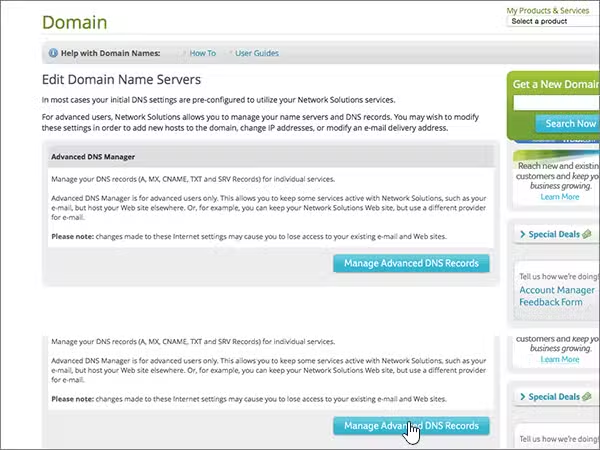
- Choose the record type. Under Advanced DNS Records, click + Add Record and choose CAA.
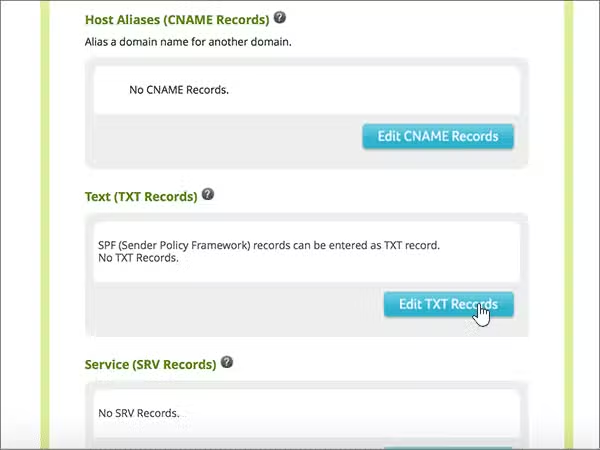
- Fill in the fields. Flag as
0, Tag asissue(orissuewildif you also want to authorise wildcard certificates), and Value as the certificate authority’s domain, for exampledigicert.com. - Add your CAA record: enter the host name, insert your text record and click Continue.
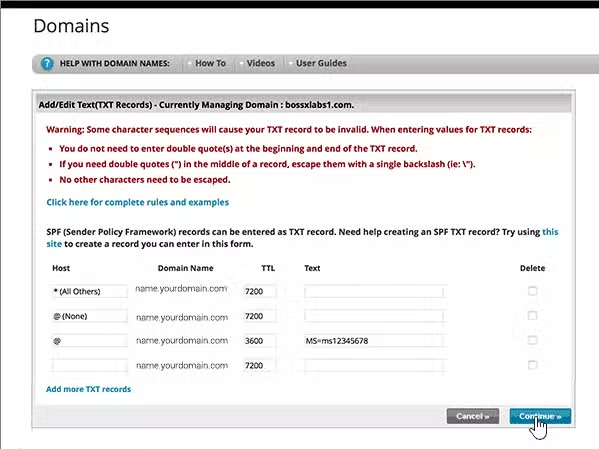
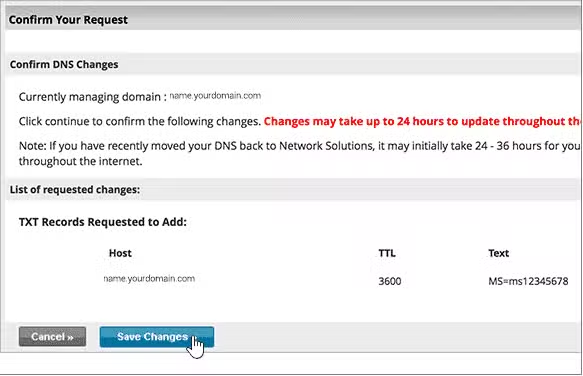
- Save your changes: click Save.